
Create separate published sites for customers, partners, developers, or any other audience, all from the same Confluence connection.
Not everyone needs to see the same content.
You might have:
Customer documentation
Partner resources
Developer guides
Product-specific help content
Satori Cloud lets you publish each audience its own site, while continuing to manage the source content in Confluence.
One Confluence connection. Multiple published sites.
Create as many separate sites as you need.
Each site can have its own:
Confluence pages and page trees
Navigation
Public URL
Audience
Published content
For example:
customers.yourcompany.compartners.yourcompany.comdevelopers.yourcompany.com
All powered by the content you already maintain in Confluence.
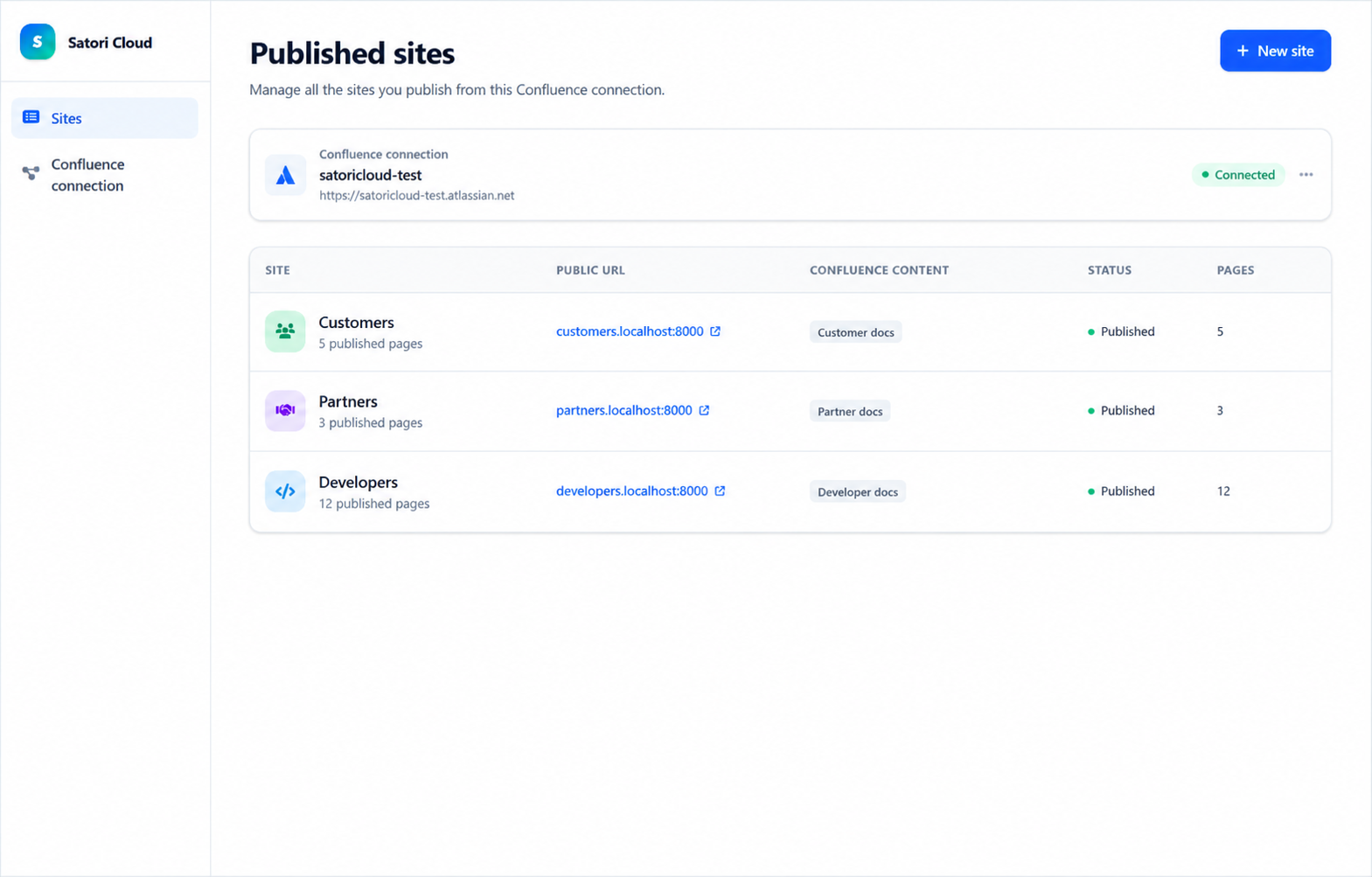
Show each audience only what they need
Your customer documentation doesn’t need to include partner information.
Your developer docs don’t need to share the same navigation as your help centre.
With Satori Cloud, you choose exactly which Confluence content is published to each site.
Each audience gets a focused experience with the pages and navigation relevant to them.
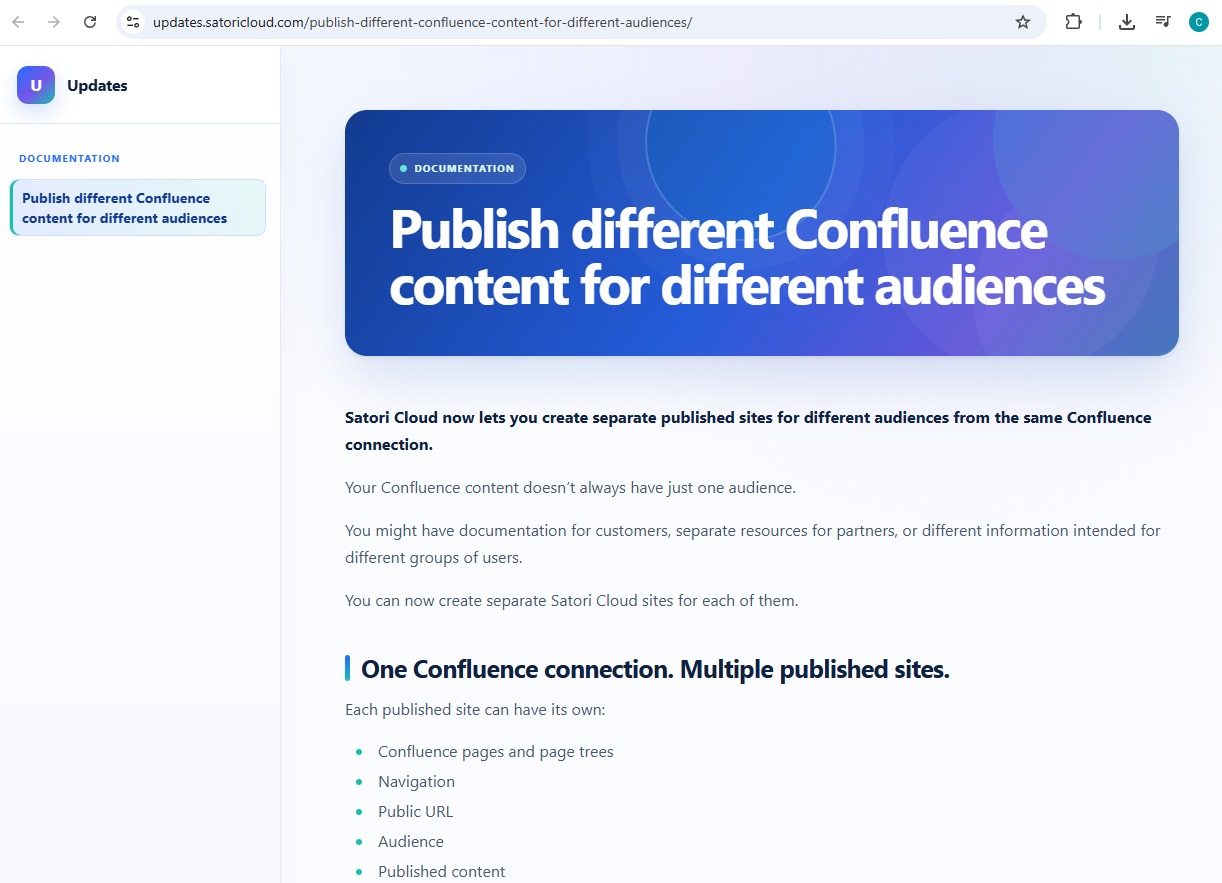
No duplicate documentation
You don’t need to copy content into another content management system or maintain separate versions of the same documentation.
Keep working in Confluence as normal.
Satori Cloud handles publishing the right content to the right site.
Ready to publish different Confluence content for different audiences?
Create separate customer, partner, developer or product documentation sites from the same Confluence connection, without duplicating your source content.